![[board:marked][pieces:classic-ebonized][priority:1] Marked iChessOne board with classic ebonized pieces](http://www.ichess.one/cdn/shop/files/ichessone-smart-chessboard-3834565.jpg?v=1779804811&width=1500)

Use the physical board to play on supported online platforms through the iChessOne app. You need a connected board, a mobile device and a stable Internet connection. Setup and available features differ between Lichess and Chess.com.
6.1 How online play works#
iChessOne board→iChessOne app→Online platform
- Make your move on the physical board. The app sends it to the selected platform.
- When your opponent moves, the app receives the move and the board indicates it.
- Move the opponent’s piece on your board to match the online position.
The online platform manages matchmaking, clocks, ratings, results and its own rules. iChessOne synchronizes the physical pieces with that game using the supported platform integration.
6.2 Before starting online play#
- Switch the board on.
- Install or update the iChessOne app.
- Enable Bluetooth and any permissions your device requires for Bluetooth LE.
- Check that your mobile device has a stable Internet connection.
- Connect the board in the app’s Board section.
If setup is incomplete, use Install the app or Connect your board. Device-service indicators are explained in App settings.
6.3 Selecting an online platform#
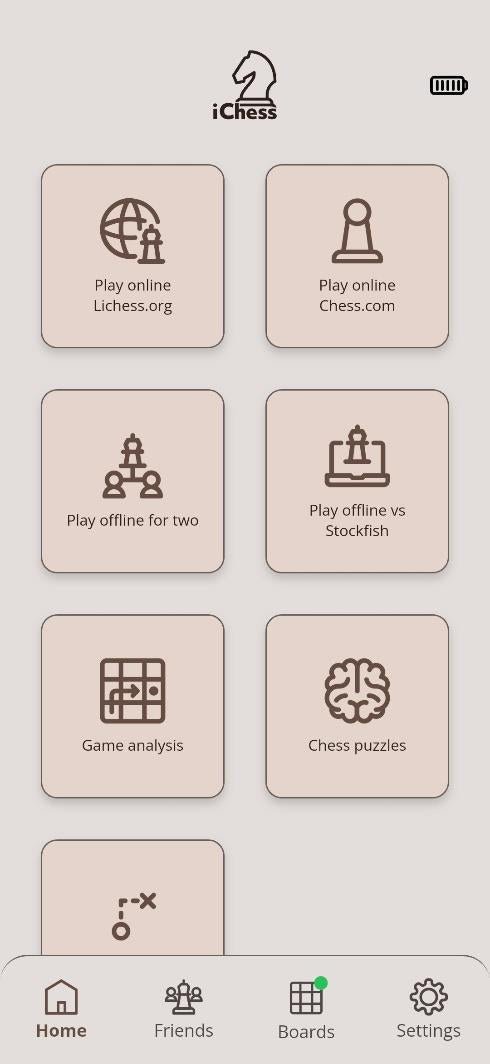
- Open Start in the iChessOne app.
- Choose Play online Lichess.org or Play online Chess.com.
- Complete the setup for that platform, then choose a game.
| Platform | Where to connect |
|---|---|
| Lichess | Settings → Integration, or the Lichess online play screen. Its native integration also supports account features elsewhere in the app. |
| Chess.com | Inside the Chess.com online play section. Follow its login and authorization process. |
Offline play and Play with chess engine are separate modes; they do not require these online setup flows.


